DocViewer
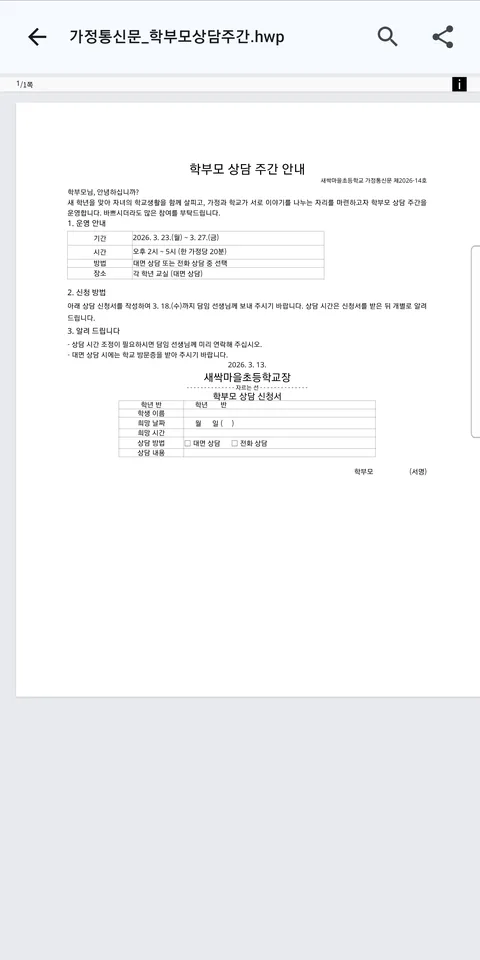
Open the Korean word-processor files (HWP) you get from schools, government offices and businesses directly on your phone — along with PDF, Excel, PowerPoint and Word files.
Supported files
- Hangul (Korean word processor): HWP, HWPX (documents older than Hangul 97 are shown as text and tables)
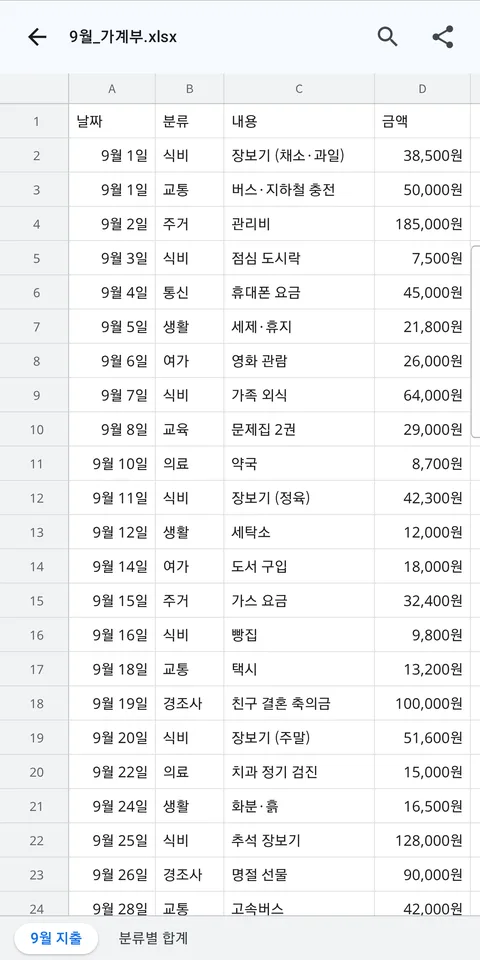
- Excel: XLSX, XLS
- PowerPoint: PPTX
- Word: DOCX
What you can do
Open from messengers and email
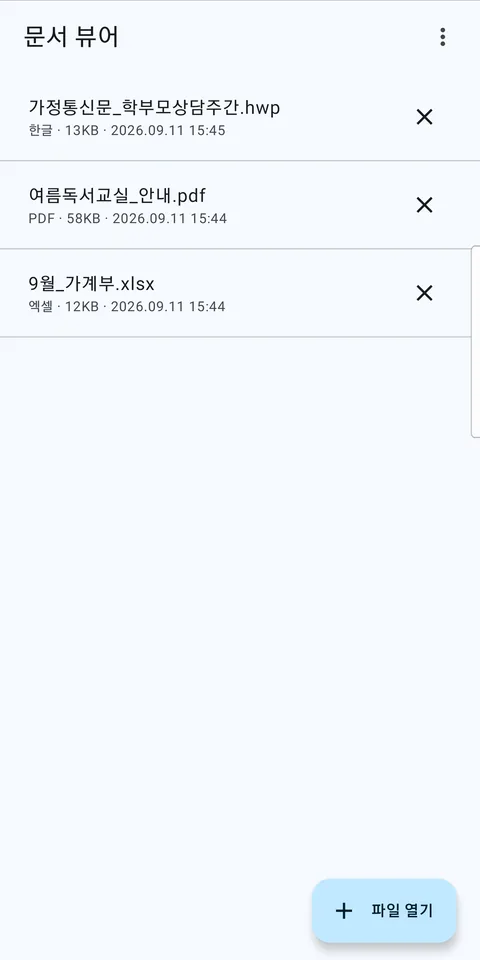
Tap an attachment and choose the app. Recently opened files appear on the home screen.
Find, copy and share
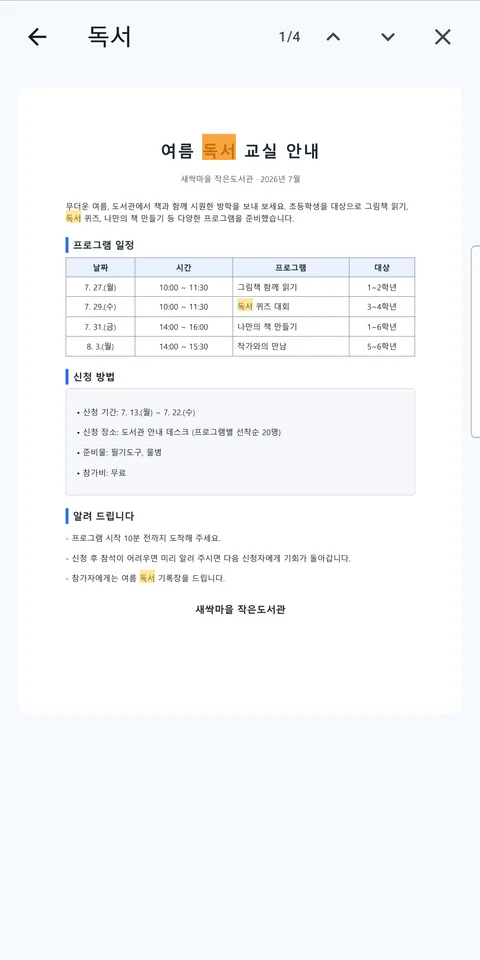
Search text inside a document, select and copy it, or send the file to another app.
Edit
Change text and formatting, add table rows and columns, add slides and create new documents.
PDF tools
Convert documents to PDF, merge and split, reduce size, make PDFs from photos or camera scans, add or remove passwords, sign, and create a Word draft from a PDF.
Your documents stay on your phone
Opening and editing documents happens on your device. There is no sign-up and no advertising, and we do not run servers that receive your documents.
There is one exception. When you run text recognition (OCR), pages that contain no text are turned into images and sent to Google Cloud Vision to read the text. The app explains this on screen before you start.
Good to know
- Hangul "distribution" (read-only, locked) documents cannot be opened. The app shows a notice instead.
- Hangul documents may wrap lines slightly differently because fonts differ from the original.
- Word drafts made from PDFs may not keep tables, images and columns exactly as in the original.